
Rosette
Lightweight game clipping for Windows.
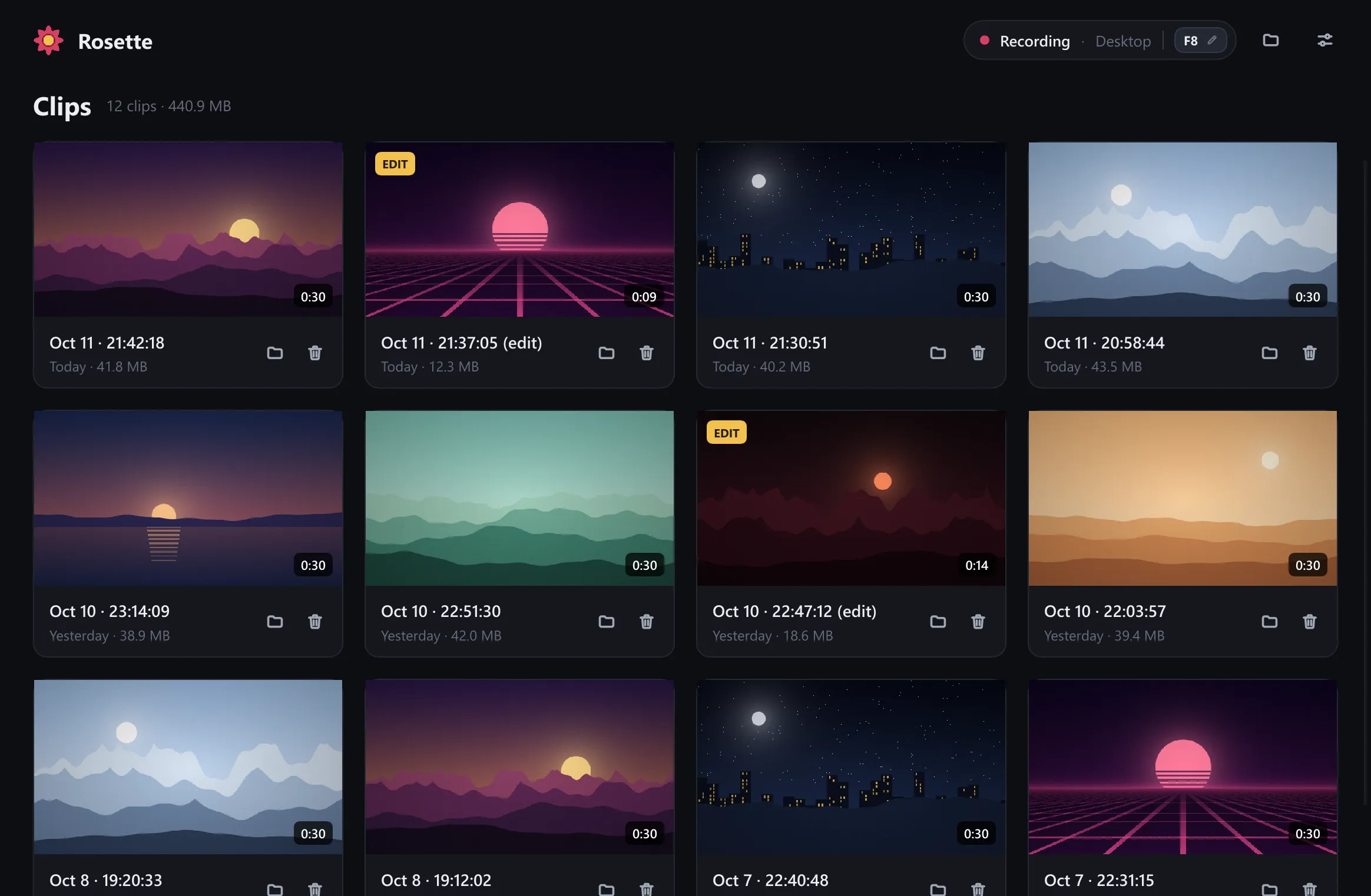
Press F8 to save the last 30 seconds.
Features
Save the last 30 seconds
Clips go to Videos\Rosette. Click the key in the status pill to change the hotkey.
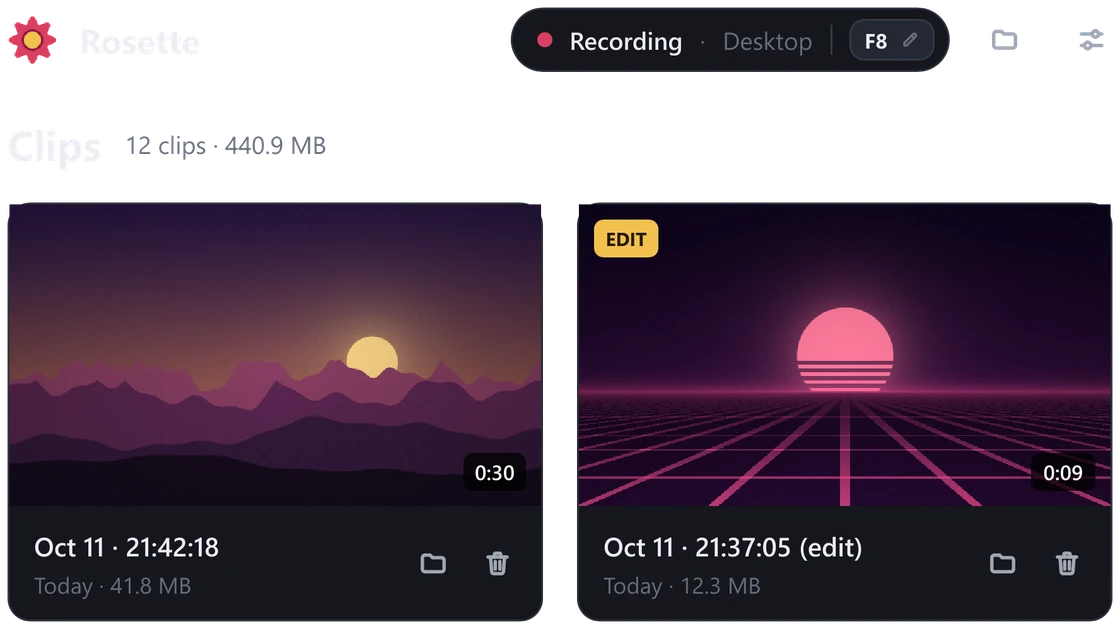
Game and mic on separate tracks
Trim a clip, then set the game and mic volume separately. Export them mixed or as separate tracks.
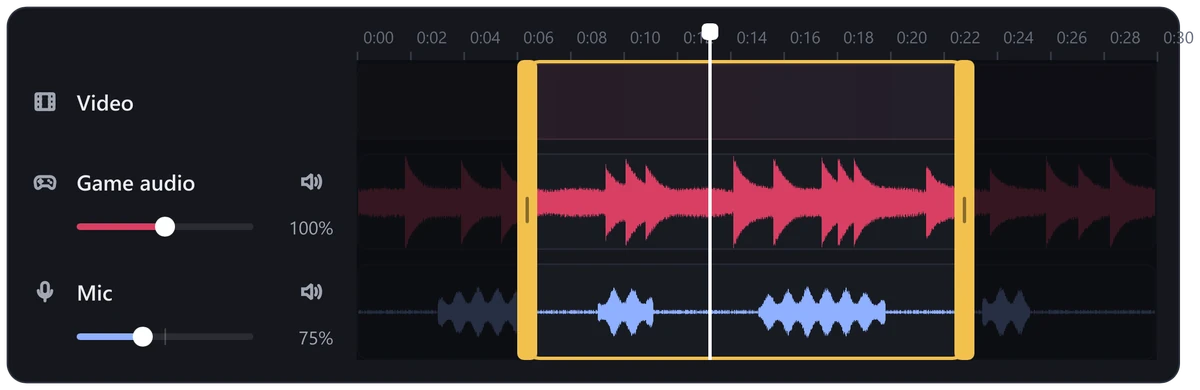
Desktop or game window
Record the whole monitor or just the game window. With Pause when not gaming on, nothing records until a fullscreen game starts.
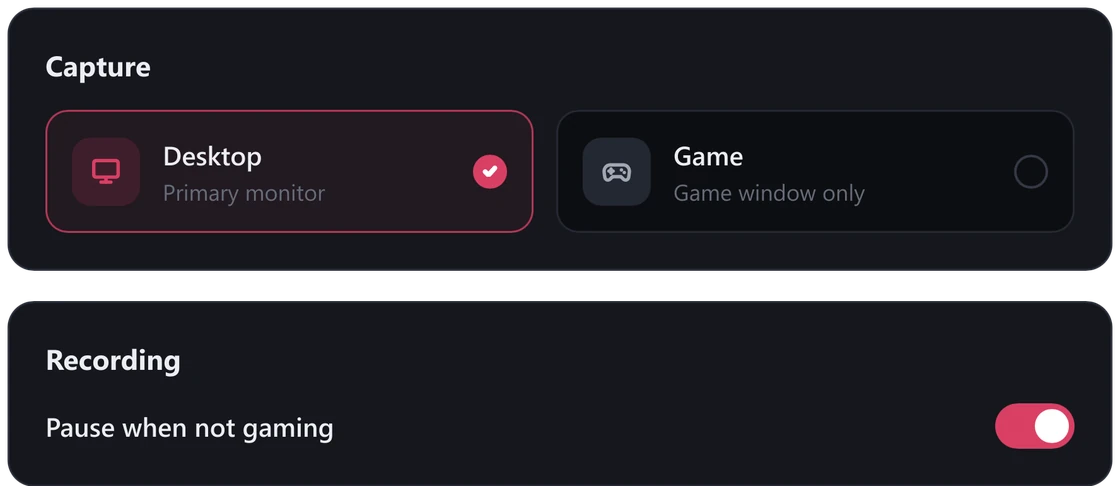
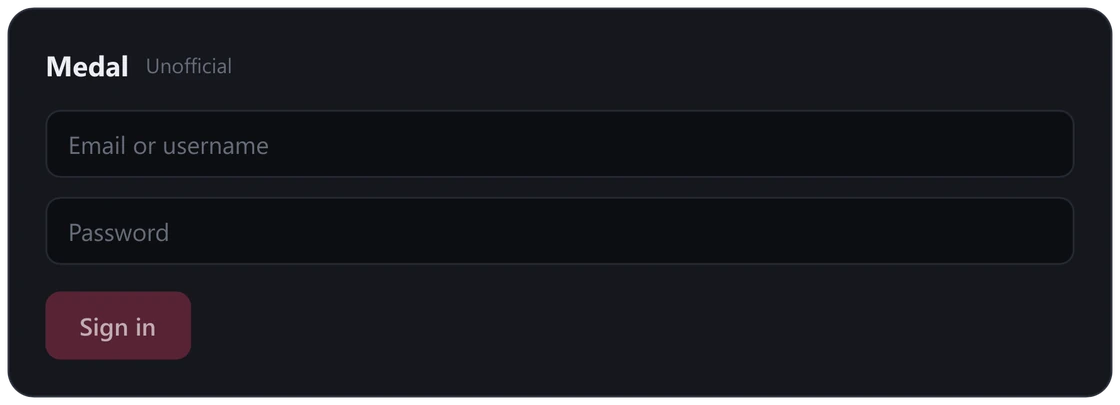
Upload to Medal Unofficial
Upload a trimmed clip from the editor and get a link.
- Anti-cheat safe Nothing is injected into games.
- No Electron A small native app.
Performance
Measured on a Ryzen 7 5700X and RTX 5070, recording 2560x1440 with the window hidden.
| Mode | CPU (total) | GPU 3D | Video encode | Private memory |
|---|---|---|---|---|
| Desktop, screen changing | 0.29% | 0.6% | 13% | 195 MB |
| Static window (Game mode) | under 0.1% | 0.1% | 0.2 to 3% | about 100 MB |
| Waiting for a game | 0% | 0% | 0% | 7 MB |
Screenshots
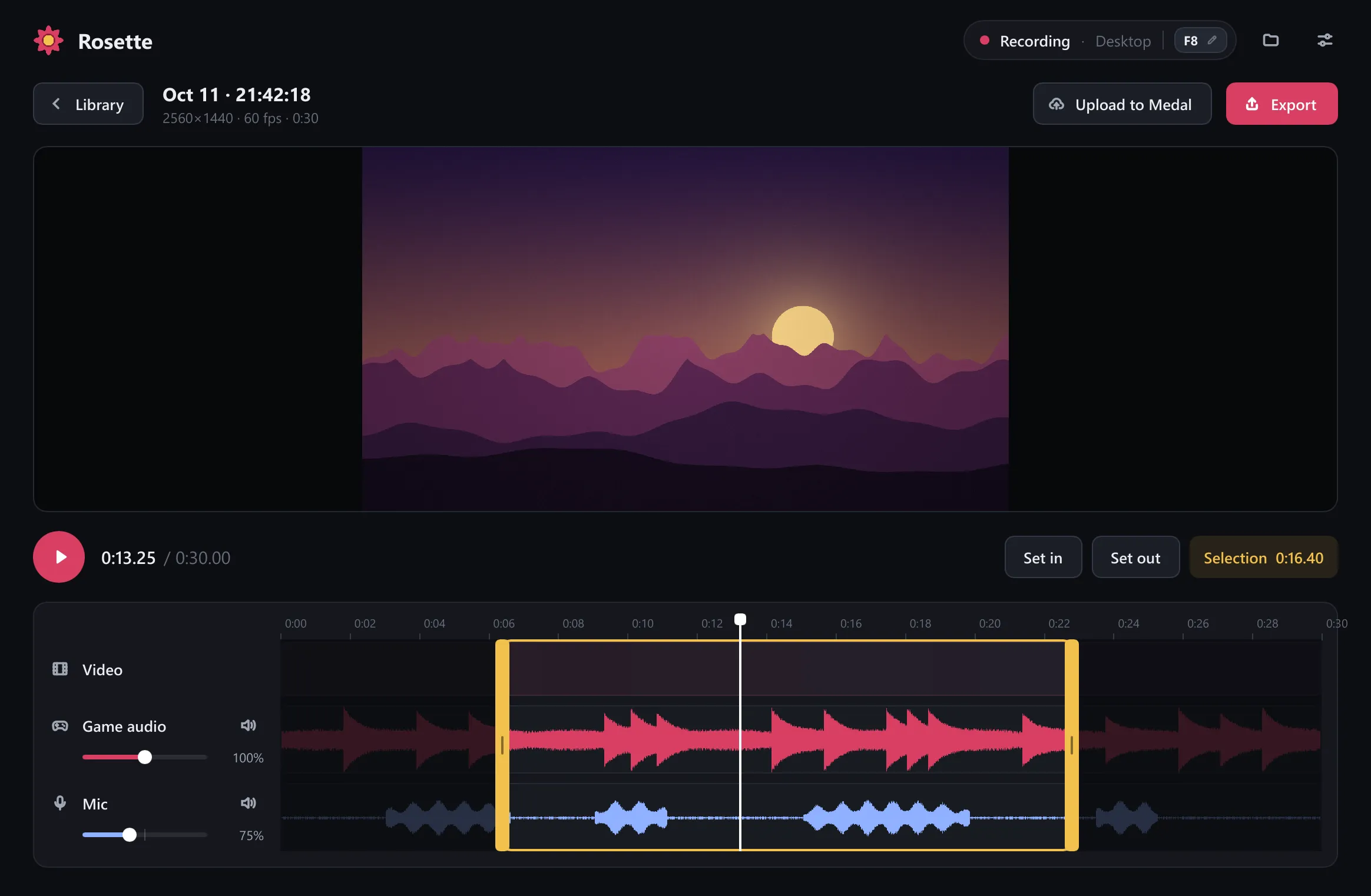
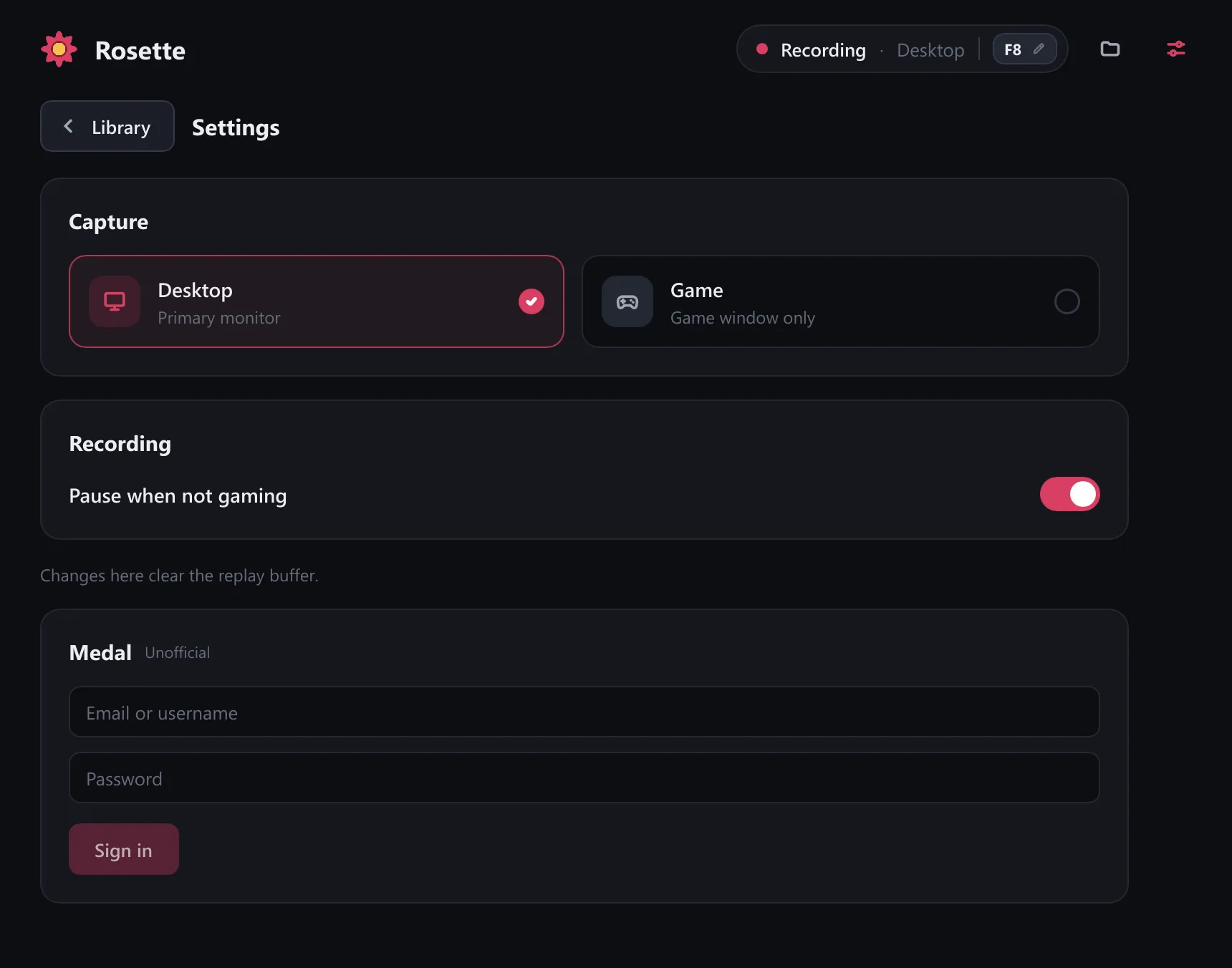
The clips in these screenshots are generated placeholders.